This guide describes how to configure your iOS Device (iPhone, iPad, etc.) on asu secure wireless:
1. Launch the "Settings" App from the home screen on your iOS Device.

2. Tap open your Wi-Fi settings, then choose "asu" to connect to the App State secure network.

3. Enter your App State credentials and tap .

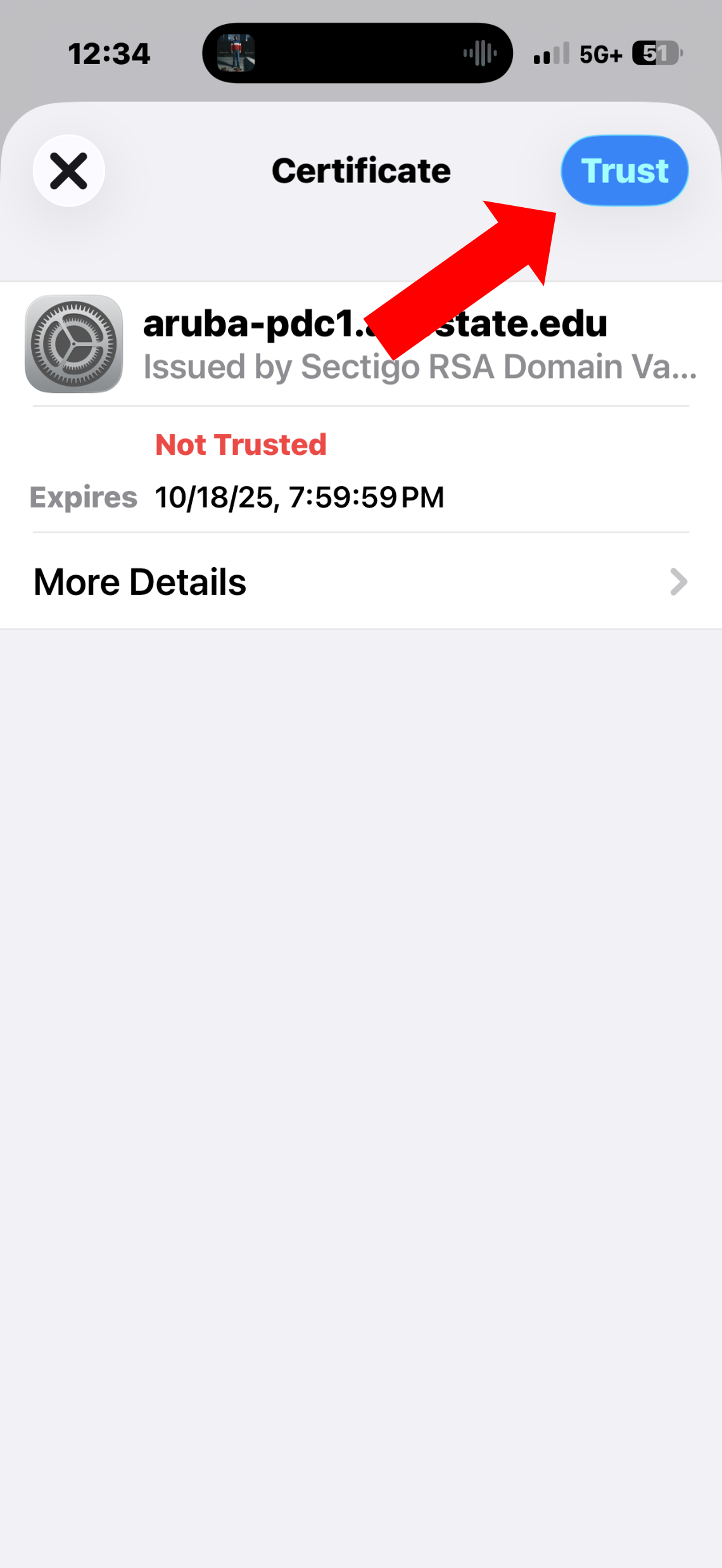
4. Tap "Trust" on the certificate pop-up.
5. If this is your first time connecting this device to the asu network, you will need to register. Log in with your App State credentials and click register. 
- You must wait 15 minutes for registration to take effect and you may need to reboot your device.
- Students are allowed 4 device registrations and Faculty/Staff are allowed 5 registrations on the asu secure network.
Related Articles
Visit or call the Technology Support Center for assistance with your iOS Devices.